
 Candy
f9aea6042b
更改前端页面Order ID
Candy
f9aea6042b
更改前端页面Order ID
|
%!s(int64=6) %!d(string=hai) anos | |
|---|---|---|
| .. | ||
| build | %!s(int64=7) %!d(string=hai) anos | |
| config | %!s(int64=6) %!d(string=hai) anos | |
| src | %!s(int64=6) %!d(string=hai) anos | |
| static | %!s(int64=7) %!d(string=hai) anos | |
| .babelrc | %!s(int64=7) %!d(string=hai) anos | |
| .gitignore | %!s(int64=7) %!d(string=hai) anos | |
| LICENSE | %!s(int64=7) %!d(string=hai) anos | |
| README.md | %!s(int64=7) %!d(string=hai) anos | |
| index.html | %!s(int64=7) %!d(string=hai) anos | |
| package-lock.json | %!s(int64=6) %!d(string=hai) anos | |
| package.json | %!s(int64=7) %!d(string=hai) anos | |
README.md
demo: https://taylorchen709.github.io/vue-admin/
To start
This is a project template for vue-cli
# install dependencies
npm install

# serve with hot reload at localhost:8081
npm run dev

# build for production with minification
npm run build
Folder structure
- build - webpack config files
- config - webpack config files
- dist - build
- src -your app
- api
- assets
- common
- components - your vue components
- mock
- styles
- views - your pages
- vuex
- App.vue
- main.js - main file
- routes.js
- static - static assets
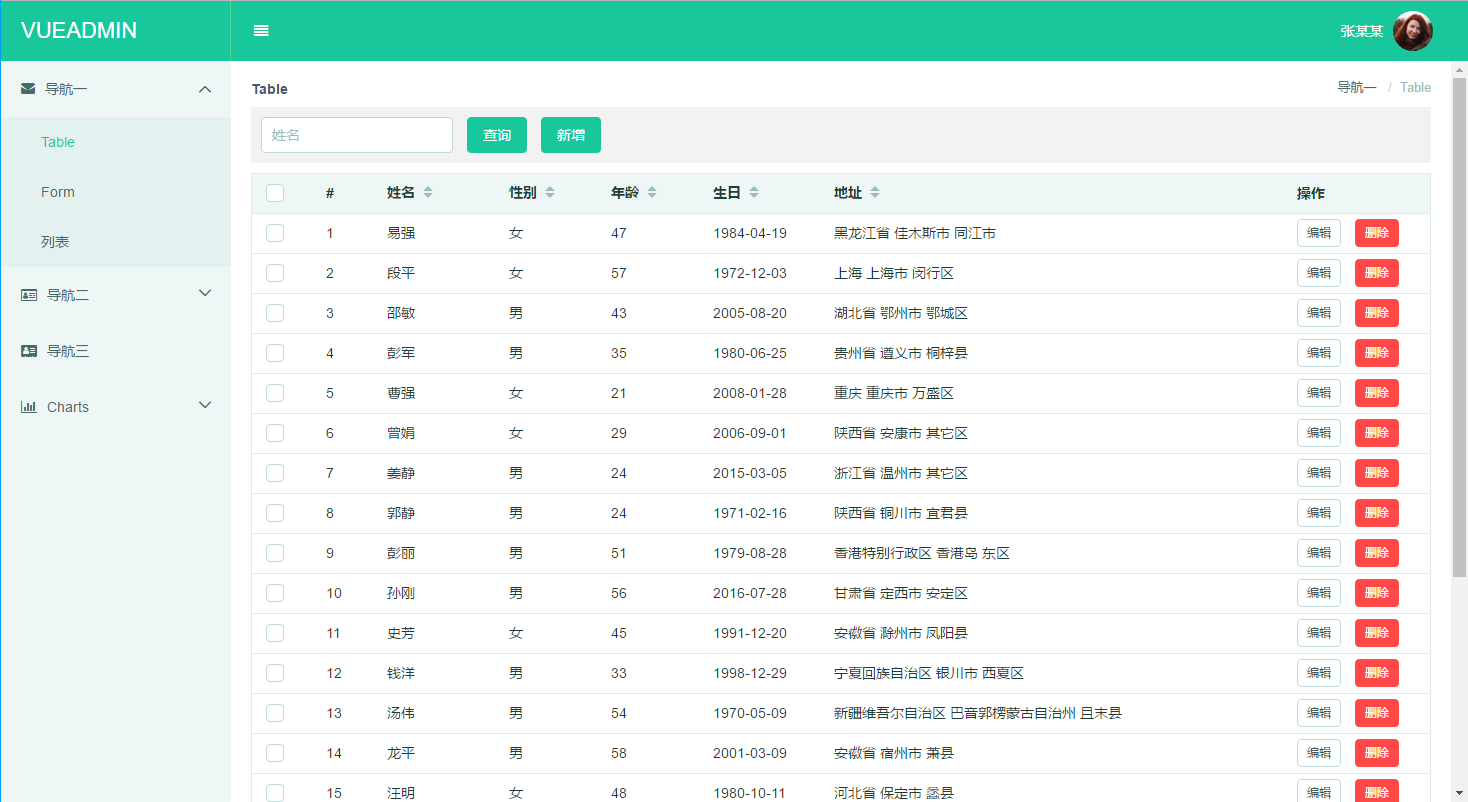
Theme
You can change theme by
- Generate theme packages by https://elementui.github.io/theme-preview/#/
- Put theme packages in src/assets/theme/
- Edit src/main.js
bash
import 'element-ui/lib/theme-default/index.css'
to
import './assets/theme/your-theme/index.css'
4. Edit src/styles/vars.scss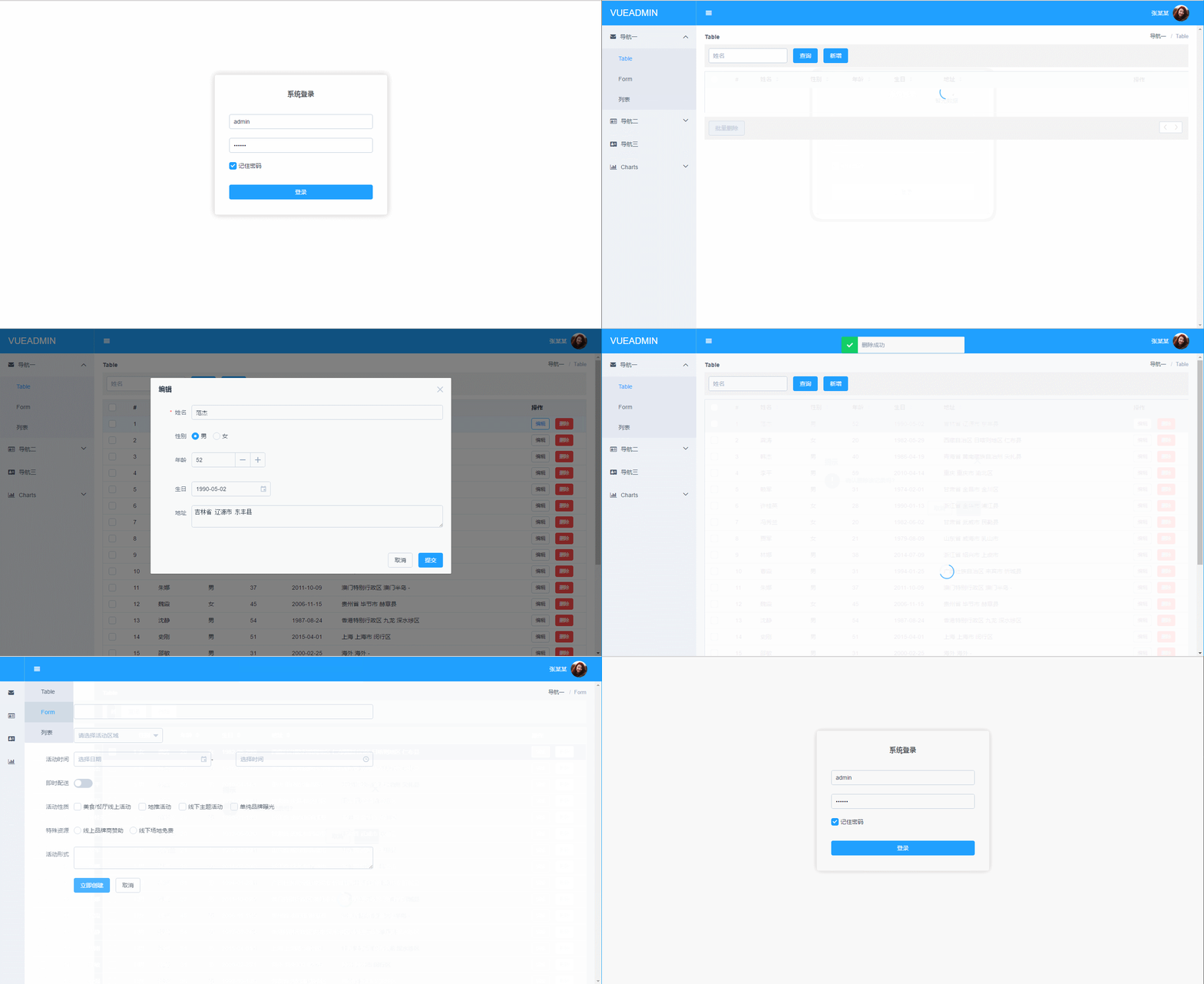
 # Browser support
Modern browsers and IE 10+.
# License
MIT
# Browser support
Modern browsers and IE 10+.
# License
MIT